How to Prepare Your Fingerprint Form (600 DPI) for Saudi Arabia: Common Mistakes to Avoid
Listen to Article
High-quality browser TTS. No downloads.
Speed
How to Prepare Your Fingerprint Form (600 DPI) for Saudi Arabia: Common Mistakes to Avoid
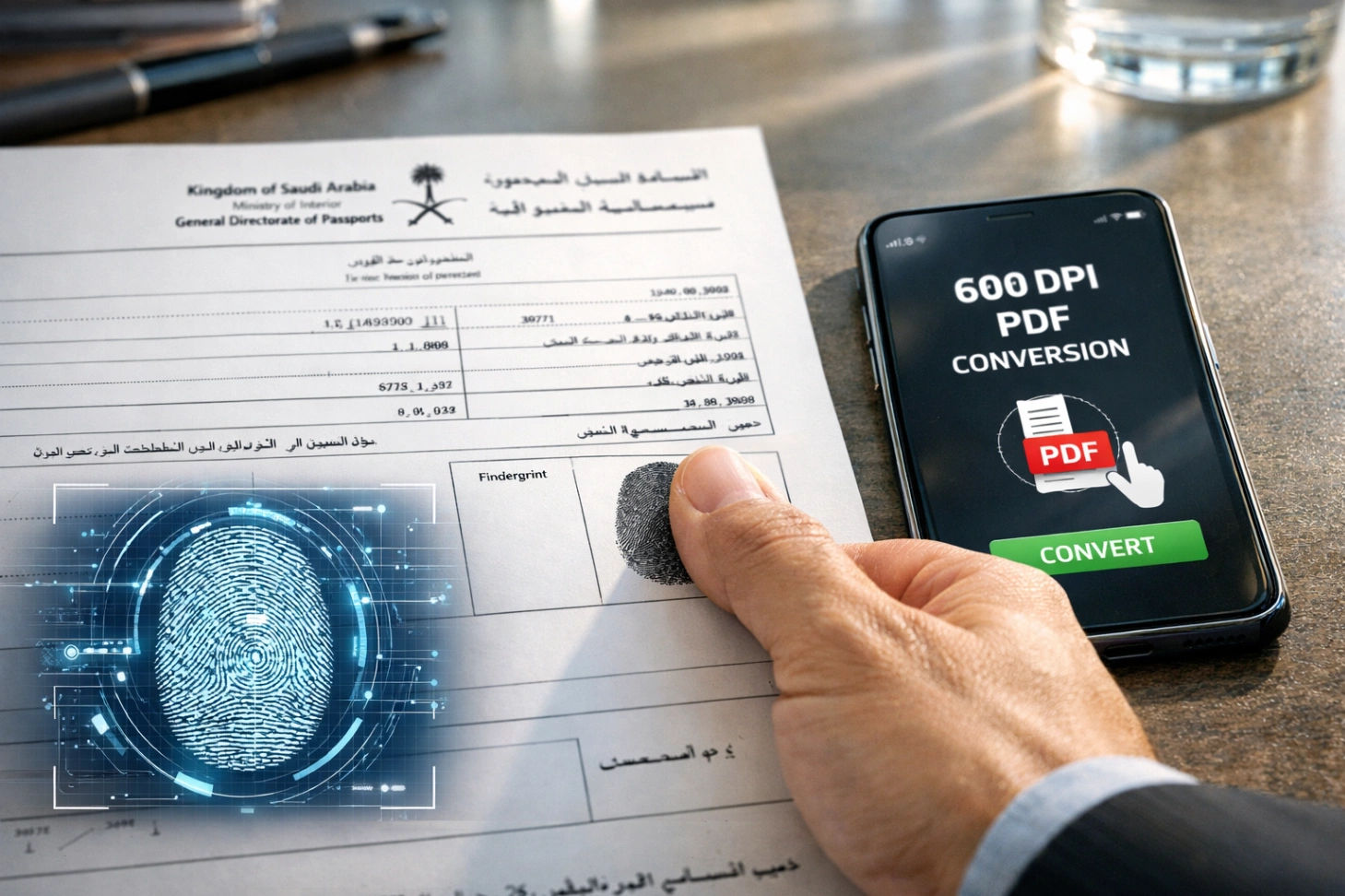
In 2026, the digital transformation of immigration services in Saudi Arabia and Pakistan (via NADRA) has reached a point where precision is no longer optional—it is mandatory. Whether you are applying for a new Saudi work visa, renewing your Iqama, or processing a police clearance certificate, you will inevitably encounter the dreaded "600 DPI Fingerprint Form" requirement.
For many overseas workers, particularly those living in labor camps or remote farms in Saudi Arabia, access to professional scanning services is limited. This leads to thousands of applications being rejected every month due to "Poor Image Quality" or "Incorrect Resolution."
In this ultimate guide, we will break down exactly how to prepare your fingerprint form, the technical reasons behind the 600 DPI requirement, and how to use the Wisemix Media DPI to PDF Tool to ensure your documents are accepted the first time.
Why 600 DPI? Understanding the Technical Requirement
Before we dive into the "how," we must understand the "why." DPI stands for Dots Per Inch. It is a measure of spatial printing or video dot density.
When the Saudi Embassy or NADRA asks for a 600 DPI scan, they are looking for high-level forensic detail. Fingerprints consist of minute ridges and valleys. A standard scan (usually 72 or 96 DPI) blurs these lines. When an AI system or a forensic expert tries to zoom into a low-resolution scan, the image "pixelates," making it impossible to verify your identity.
A 600 DPI scan ensures that:
Ridge Detail: Every curve of your fingerprint is sharp.
Zoom Capability: The officer can zoom in 400% without losing clarity.
OCR Compatibility: Optical Character Recognition software can read your ID numbers without errors.
Step-by-Step Guide to Preparing Your Fingerprint Form
1. The Physical Setup (The Most Important Step)
You cannot fix a bad physical fingerprint with good software.
Clean Hands: Wash your hands with soap to remove oil and dirt.
The Right Ink: Use a professional black ink pad. Avoid using "stamp pad" ink if possible, as it can be too watery and smudge the lines.
The "Rolling" Technique: Do not just press your finger down. Roll it from one side of the nail to the other to capture the full surface area.
2. Capturing the Image
If you don't have a flatbed scanner, you can use your smartphone. However, a regular photo is usually 72 DPI. To make it professional:
Lighting: Use natural sunlight. Avoid using the camera flash as it creates a "hot spot" (white glare) on the ink.
Stability: Keep your phone perfectly parallel to the paper.
3. Converting to 600 DPI PDF
This is where most people fail. Simply renaming a file or changing the extension does not change the DPI. You need a specialized conversion tool.
By using the Wisemix Media 600 DPI PDF Converter, you can upload your mobile photo, and the tool will reconstruct the metadata and container format to meet the 600 DPI PDF standards required by Saudi and Pakistani authorities.
Common Mistakes to Avoid (The "Rejection" List)
Through our research at Wisemix Media, we have identified the top 7 reasons why fingerprint forms are rejected by the Saudi Ministry of Interior and NADRA:
1. Using "Photo Mode" Instead of "Document Mode"
When you take a photo with a standard camera app, the phone applies "beauty filters" or "smoothing" to the image. This destroys the fine details of the fingerprint ridges.
Solution: Always use a document scanning app or a clean, high-resolution photo without any filters.
2. The "Digital Scaling" Myth
Many users think that if they take a small image and "stretch" it in Word or Paint, the quality increases. In reality, this makes the image worse. This is called "interpolation."
Solution: Use a dedicated converter like the one at Wisemix Media that handles the DPI scaling within the PDF wrapper correctly.
3. Smudged Ridges (Over-Inking)
If you put too much ink on your finger, the "valleys" of your fingerprint fill up with ink, creating a solid black blob.
Solution: Tap your finger on a piece of scrap paper once after inking and before touching the official form.
4. Incorrect File Size
There is a "sweet spot" for file sizes. If your PDF is 50MB, the government portal will crash. If it is 50KB, the quality is too low.
Solution: Aim for a 600 DPI PDF that is between 300KB and 2MB.
5. Background Noise
Scanning your form on a dark wooden table or a messy bedsheet confuses the background removal algorithms used by immigration systems.
Solution: Place your form on a flat, white surface before taking the picture.
6. Shadows and Glare
A shadow falling across the "Thumb Impression" box can make the system think the fingerprint is incomplete.
Solution: Use two light sources from the sides, or stand near a window during the daytime.
7. Incorrect Metadata
Some portals check the "properties" of the PDF. If the properties say "96 DPI," the system auto-rejects it, even if the image looks okay.
Solution: Use the DPI PDF Tool to ensure the metadata is correctly set to 600.
Why Wisemix Media Tools are Best for Workers in Saudi Arabia
Working on a farm or a construction site in Riyadh, Jeddah, or Dammam means you don't always have a laptop. We built our tools with a "Mobile-First" approach.
Privacy First: Unlike many "Free PDF" sites, we do not store your fingerprints on our servers. As soon as you convert and download, the data is wiped.
No Cost: We understand the struggle of labor life. These tools are 100% free to use.
Next.js Speed: Our platform is built on Next.js 15, ensuring that even on a weak 3G/4G connection in a labor camp, the site loads fast.
How to use the Wisemix Media DPI Converter (Step-by-Step)
Visit the Link: Go to https://www.wisemixmedia.com/tools/dpi-pdf.
Upload Image: Select the photo of your fingerprint form from your gallery.
Select DPI: Choose 600 DPI from the dropdown menu (this is the standard for Saudi Visa/NADRA).
Convert: Click the "Generate PDF" button.
Download: Save the file. You can now upload this directly to the Absher, Muqeem, or NADRA portal.
The Impact of a "Professional" Document
In the world of immigration, your document is your first impression. When a visa officer opens a perfectly aligned, 600 DPI, crystal-clear PDF, your application moves faster. When they see a blurry, dark photo, they move on to the next file, and your visa gets delayed by weeks.
For Pakistani workers in Saudi Arabia, maintaining your digital identity is key to your career growth. Don't let a simple technicality like "DPI" stand in the way of your future.
Summary Checklist for a 100% Acceptance Rate:
[ ] Form is signed and dated.
[ ] Fingerprints are black, not grey or faded.
[ ] No shadows on the paper.
[ ] File converted via Wisemix Media.
[ ] Final file is in PDF format (not JPG).
Conclusion
Preparing your 600 DPI fingerprint form doesn't have to be a nightmare. By avoiding common mistakes like over-inking and low-resolution mobile photography, and by using the right digital tools, you can handle your Saudi immigration paperwork like a pro.
If you found this guide helpful, share it with your fellow workers in the camp or on the farm. Let’s make sure no one’s visa is rejected because of a bad scan!
Need more help with Next.js or Digital Tools? Explore the rest of Wisemix Media for more guides on web development, image compression, and life in Saudi Arabia as a developer.