Next.js 15 Professional Blog Roadmap: Building a High-Performance Full-Stack Platform
Listen to Article
High-quality browser TTS. No downloads.
Speed
The Ultimate Roadmap to Building a Professional Blog with Next.js 15: From Architecture to Admin Panel
In the world of modern web development, "just starting to code" is a recipe for spaghetti logic and broken layouts. Whether you are a seasoned developer or someone coding after a 10-hour shift in a labor camp, having a roadmap is the difference between a side project and a professional-grade platform.
In this guide, we will break down the essential blueprint for a high-performance blog, covering everything from SEO-optimized headers to complex Admin Panels using Next.js 15 and Prisma.
Why a Roadmap is Essential Before Writing Code
Before we dive into the "what," we must address the "why." Why do you need a roadmap?
Logical Flow: A roadmap prevents you from getting stuck. You won't be wondering how to connect your database when you’ve already planned your Prisma schema.
SEO Strategy: Professional blogs aren't just about reading; they are about being found. Planning your structure (H1s, Meta tags, JSON-LD) ensures search engines love your site from day one.
Efficiency: For developers with limited time—like those of us balancing 10 hours of labor and 4 hours of coding—a roadmap ensures every minute spent at the keyboard is productive.
Scalability: Using a roadmap helps you decide where to use Server Components for speed and Client Components for interactivity.
1. The Anatomy of a Professional Header
The header is the "first impression" of your website. It must be functional, lightweight, and intuitive.
Essential Elements:
Logo & Brand Name: Linked to the homepage with high priority.
Dynamic Navigation: Use a hybrid approach. For a professional look, check out our guide on Mastering the Hybrid Header.
Search Bar: A must-have for blogs with 50+ posts.
Theme Switcher: Dark mode is no longer a luxury; it’s a standard for developer-centric blogs.
Call to Action (CTA): A button for "Tools" or "Newsletter" to increase user retention.
2. The Hero Section: Hooking the Reader
The Body starts with the Hero Section. This is where you tell the user exactly what your site is about.
The Big Hook (H1): Use a bold, keyword-rich heading.
Sub-headline: A brief description of the value you provide.
Primary CTA: Link to your most popular category, like Next.js Mastery.
Featured Image: High-quality but optimized. Using tools like ImageKit with Next.js ensures your hero section doesn't kill your PageSpeed score.
3. The Body Structure: Organizing Content
A professional blog shouldn't just be a list of posts. It needs a hierarchy.
Featured Posts Component
Highlight 3–4 high-value articles. This keeps your "pillar content" visible. We’ve detailed how to build a dynamic featured posts component to automate this process.
Latest Posts Grid
This is the heartbeat of your blog.
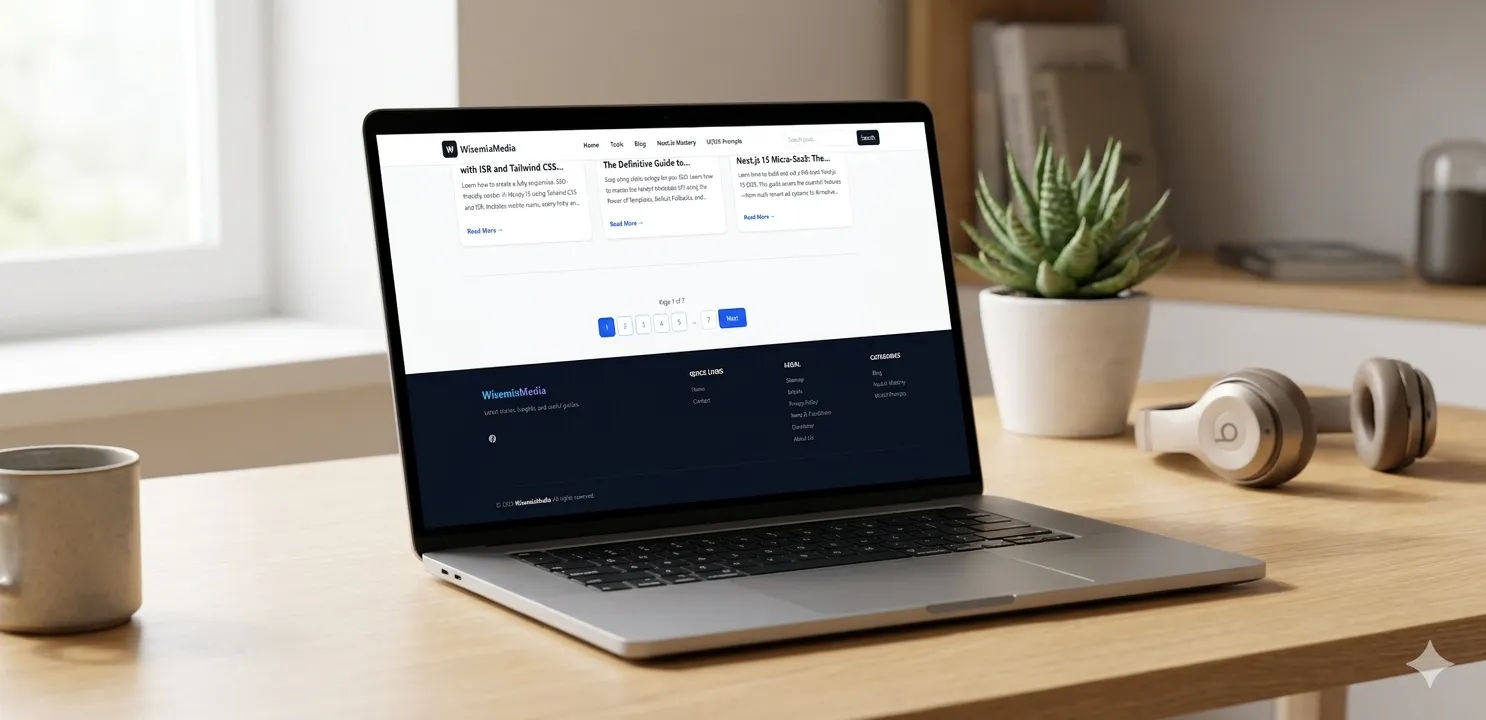
Cards: Include a thumbnail, title, excerpt, and "Read More" button.
Pagination: Don't load 100 posts at once. Use Next.js 15’s server-side pagination to keep the site fast.
Sidebar (Desktop View)
The sidebar is prime real estate. Use it for:
About the Author: Builds trust (E-E-A-T).
Categories: Quick links to Tech or tutorials.
Trending Posts: Keeps users clicking.
4. The Footer: The Foundation of Trust
Many developers neglect the footer, but it’s where Google looks for "legitimacy" signals.
What MUST be in your Footer:
Legal Links: Privacy Policy, Terms of Service, and Disclaimer.
Contact Info: A link to your Contact Page.
Social Links: LinkedIn, X, and YouTube.
Copyright: "© 2026 Wisemix Media. All rights reserved."
Sitemap Link: Helps crawlers index your site faster.
5. The Engine Room: The Admin Panel & API
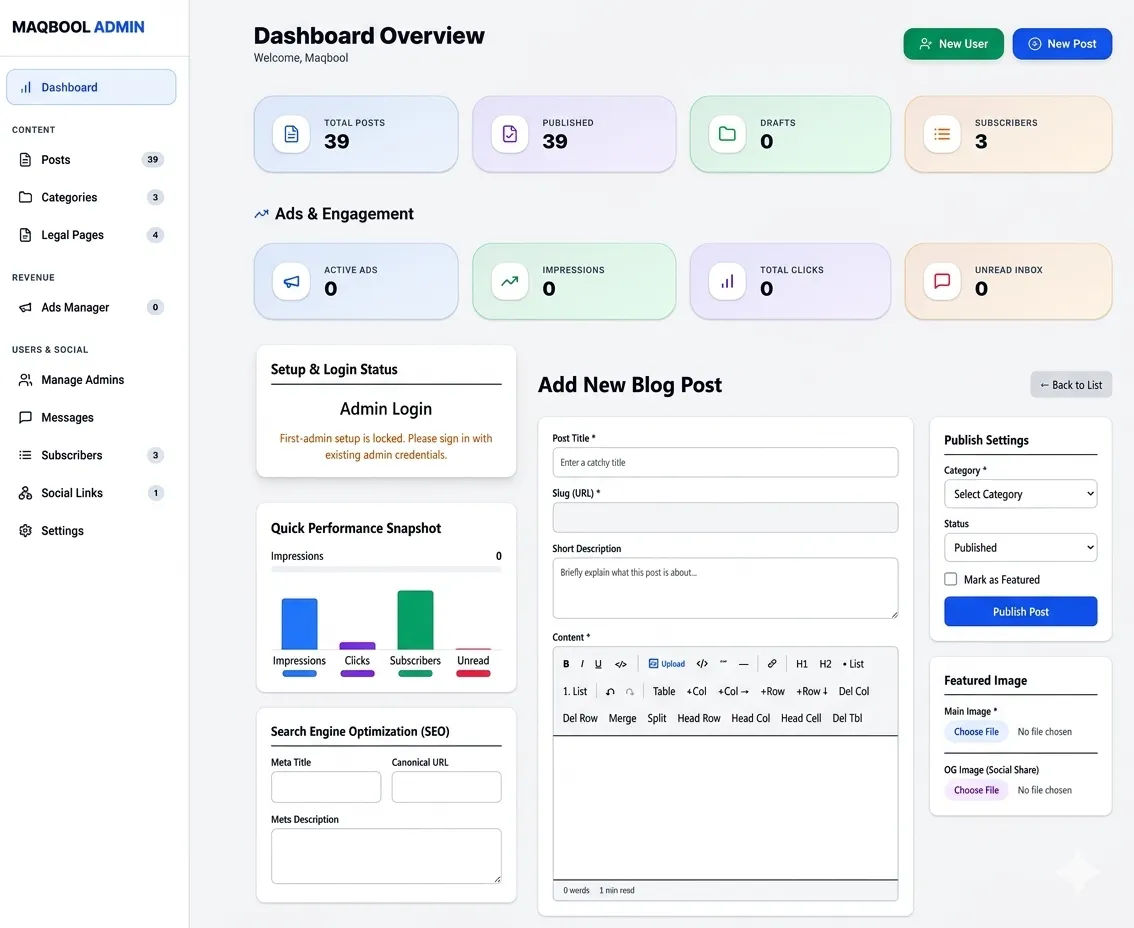
A professional blog needs a custom Admin Panel so you don't have to touch the code every time you want to post.
The Admin Panel Features:
Authentication: Use Auth.js (NextAuth) or Clerk for secure login.
Rich Text Editor: Use TipTap or Quill to write your blogs with formatting.
Image Upload: Integrate with ImageKit or Cloudinary for browser-side compression.
SEO Preview: A field to enter Meta Titles and Descriptions.
Dashboard: See total posts and draft counts.
The API & Database
For a robust blog, PostgreSQL with Prisma is the gold standard. It allows you to create relations between Users, Posts, and Categories seamlessly. Learn why Prisma is the ultimate choice for modern developers.
6. Advanced SEO & Performance Optimization
In 2026, a "good" website is a "fast" website.
Automatic Sitemaps: Don't build them manually. Automate your SEO sitemap in Next.js 15.
JSON-LD Schema: Add structured data so Google shows your "Article" or "FAQ" in search results.
Middleware: Use Middleware for security and RBAC (Role-Based Access Control) to protect your Admin Panel.
Edge Functions: Ensure your site loads instantly globally, whether the user is in Pakistan or Saudi Arabia.
Final Checklist for Your Next.js Blog
Feature Importance Recommended Tool
Framework High Next.js 15 (App Router)
Database High PostgreSQL + Prisma
Styling Medium Tailwind CSS
SEO Critical Metadata API + JSON-LD
Speed Critical Image Kit + ISR