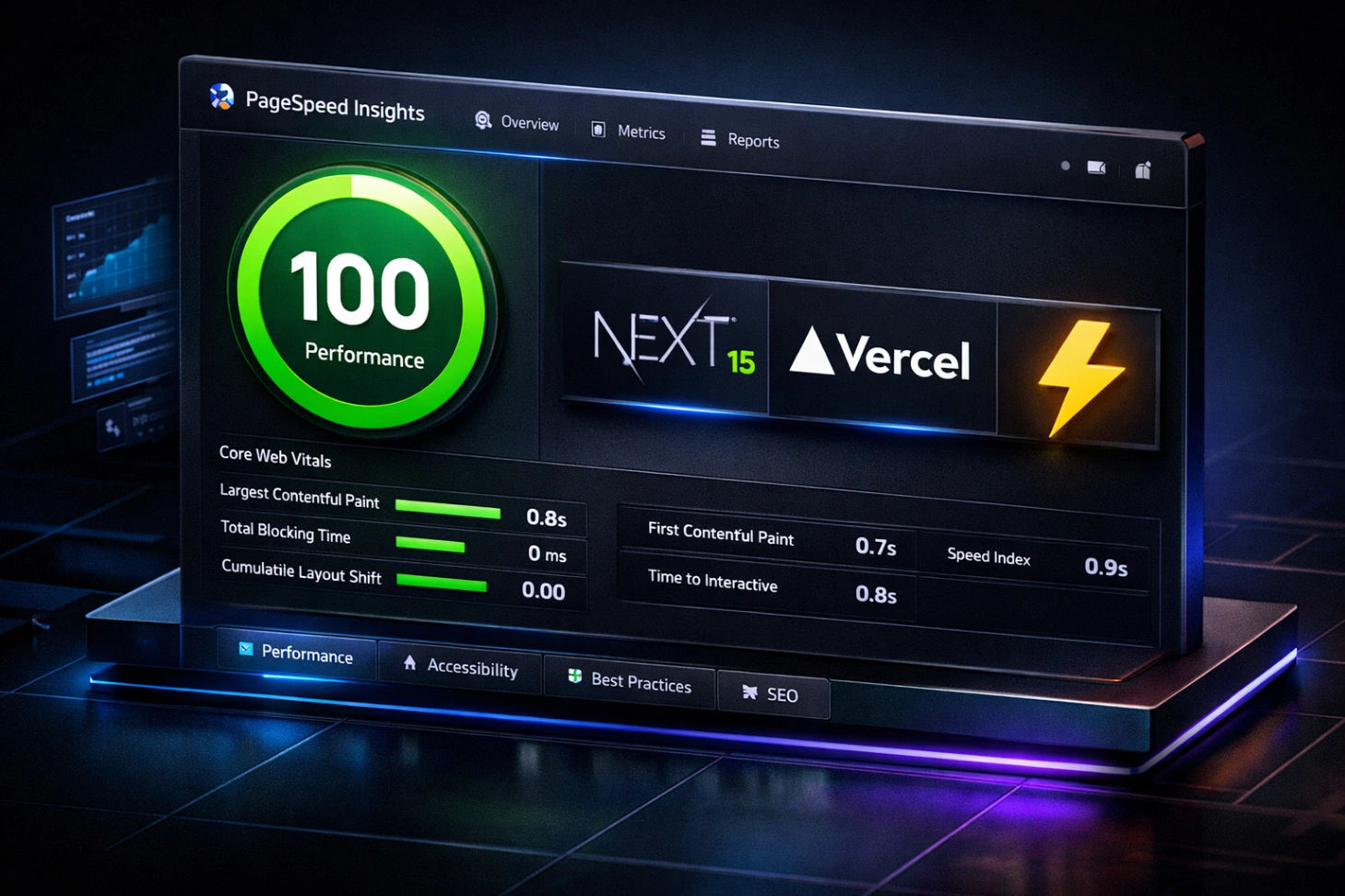
How to Achieve 100/100 PageSpeed on Next.js 15 using ImageKit, ISR, and Partial Prerendering
How to Achieve 100/100 PageSpeed on Next.js 15 using ImageKit, ISR, and Partial Prerendering
Introduction: Why Speed is the Only Currency That Matters in 2026
In the competitive world of SEO, speed is no longer just a "plus point"—it is a survival requirement. If your blog takes more than two seconds to load, Google’s algorithms will push you down the search results, and users will bounce before even reading your first sentence.
As a developer working a demanding 10-hour labor job in Saudi Arabia, I faced a unique challenge while building Wisemix Media. I didn't have the luxury of expensive high-end servers or a massive budget for premium CDNs. I needed a way to make my site fly on a zero-dollar budget. By combining Next.js 15, Incremental Static Regeneration (ISR), and ImageKit, I achieved the "holy grail" of web development: a perfect 100/100 score on Google PageSpeed Insights.
In this guide, I will share the exact architecture I used to make my blog, categories, and tools feel instant.
1. The Power of ISR (Incremental Static Regeneration)
One of the main reasons websites slow down is because they fetch data from a database (like PostgreSQL with Prisma) every single time a user requests a page. This is called Server-Side Rendering (SSR), and while it’s dynamic, it’s slow.
Incremental Static Regeneration (ISR) is the secret sauce. It allows you to pre-render your pages at build time and then update them in the background as new data comes in.
Why I use ISR for Blog and Category Pages:
On Wisemix Media, I use ISR for every individual blog post and category list. When a user visits a page, they get a static HTML file from the Vercel Edge network—not a loading spinner.
Speed: Sub-millisecond response times.
SEO: Googlebot loves static HTML because it’s easy to crawl and index.
Scalability: Your database doesn't crash when you get a sudden spike in traffic.
If you are still setting up your environment, I recommend reading my guide on how to start your first Nextjs project from installation to hello world to get the foundations right.
2. Next.js 15 and Partial Prerendering (PPR)
Next.js 15 has introduced Partial Prerendering (PPR), and it’s a game-changer for blogs. PPR allows you to combine static and dynamic content on the same page.
Imagine your blog post content is static (lightning-fast), but your "Related Posts" or "Comments" section is dynamic. In older versions, you had to choose one or the other. With PPR, the static "shell" of your page is served instantly, while the dynamic parts are streamed in. This ensures your Largest Contentful Paint (LCP) stays under 1 second.
I’ve implemented this on my Next.js Mastery category pages to ensure that even with heavy data, the user sees the content immediately.
3. Image Optimization: The ImageKit Strategy
Images are usually the biggest reason for a low PageSpeed score. If you host high-resolution images directly on your server, your site will crawl. This is why I moved all media to ImageKit.
How ImageKit Boosts My Score:
Automatic Format Selection: It detects the browser and serves WebP or AVIF automatically.
Real-Time Resizing: Instead of loading a 1200px image on a mobile screen, I use ImageKit to request a 400px version on the fly.





