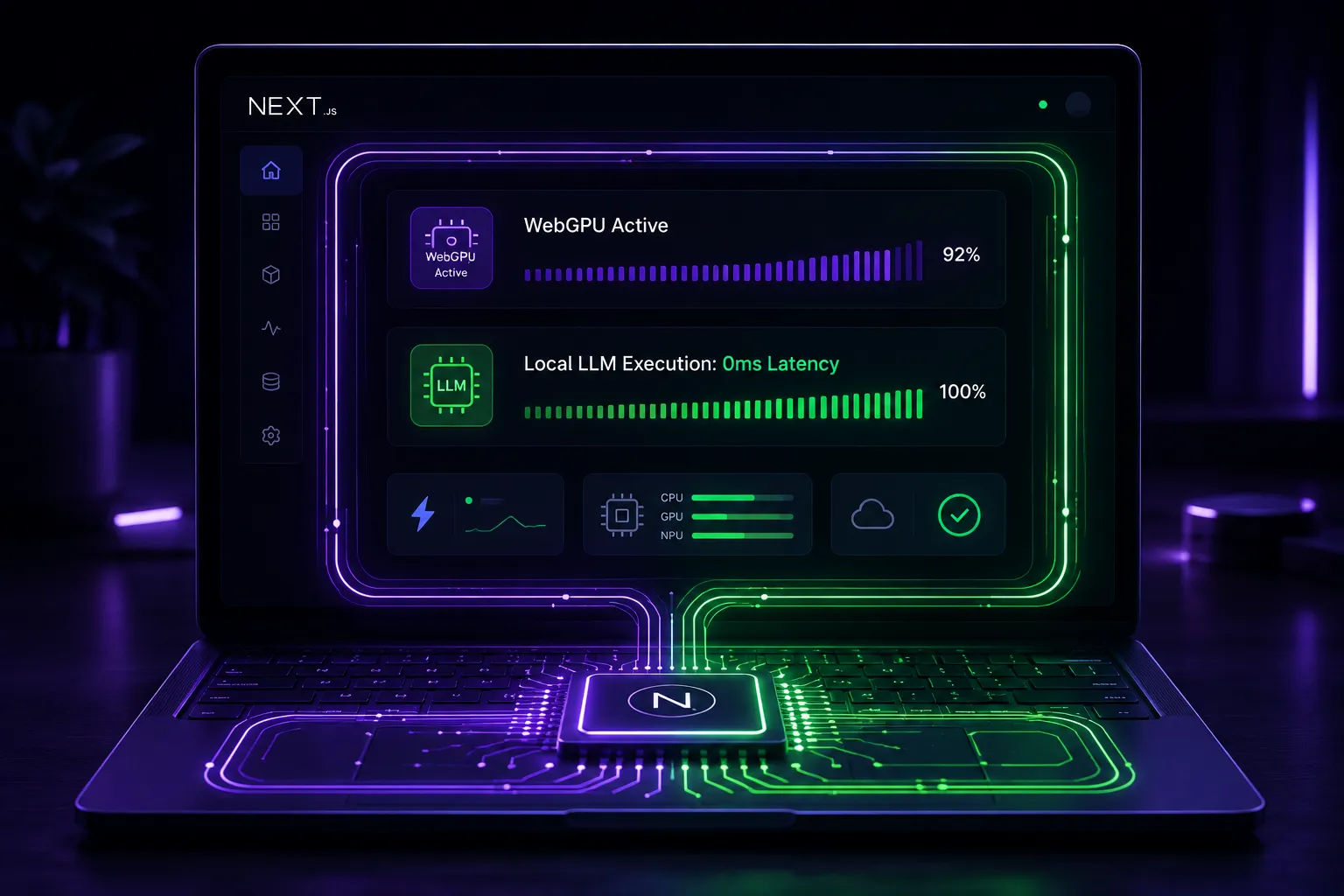
Build Zero-Cost Local-First AI Apps with Next.js 15 & WebGPU
The Zero-Dollar Infrastructure: Building Local-First, Browser-Side AI Web Apps with Next.js 15
For the past few years, the standard architecture for building an AI-powered web application followed an identical, expensive pattern. A user typed an input into a form, a client-side component fired an API route, a server spun up to process the request, hit a cloud LLM provider, waited for the response, and sent it back over the wire.
While this model works well for complex reasoning tasks, it leaves developers holding the bag for two massive liabilities: unpredictable API bills and user privacy concerns. If your application scales to thousands of active daily users running heavy automation prompts, your infrastructure costs can skyrocket overnight.
But the web landscape has quietly shifted. Thanks to widespread browser support for WebGPU and highly optimized WebAssembly (Wasm) runtimes, modern browsers can now run compact, highly efficient large language models directly on the user's local hardware.
By marrying this on-device execution pattern with a framework like Next.js 15, you can build offline-ready, incredibly fast, private AI applications. The best part? Your hosting infrastructure costs drop to exactly zero dollars because the user's machine handles 100% of the computational heavy lifting.
Let's dive into the core architecture of local-first AI and see how to safely implement it inside the Next.js App Router environment.
The Core Concept: Shifting Compute from Server to Client
In a traditional web application, your server acts as the muscle. In a local-first AI app, your server acts merely as the orchestrator and delivery system. Its only job is to efficiently serve static assets, structure metadata, and deliver client-side bundles that instruct the browser how to tap into the device's graphics processing unit (GPU).
[User Browser] ➔ [Loads Next.js Static Layout] ➔ [Initializes Local WebGPU] ➔ [Streams Model locally via Wasm]
This model provides structural advantages that cloud-based models simply cannot match:
True Zero-Cost Scaling: Whether you have five users or fifty thousand users, your backend infrastructure costs do not change. The scaling load is entirely distributed among the consumers using the software.
Absolute Privacy Compliance: Because the text inputs, file data, and generated answers never leave the user's computer, you naturally bypass complex regulatory hurdles like GDPR or HIPAA data storage rules.
Instantaneous Response Loops: Running models locally completely eliminates network round-trip latencies. There are no API gateway queues, no cloud server cold starts, and no connection timeouts.
Engineering the Architecture in Next.js 15
To implement this model smoothly, you need to understand where the division of labor occurs in your codebase. Since large language models (even small ones like 1B to 3B parameters) require hundreds of megabytes of space, we must handle model caching, asynchronous loading, and background worker threads without hurting your site's core user experience.
1. Dedicated Browser Workers for UI Fluidity
Running neural network models directly in the browser's main execution thread is a recipe for disaster—it causes the entire user interface to freeze, destroying your Core Web Vitals score.
To solve this, we offload the local AI runtime to a dedicated web worker. This background worker manages the initialization of the local model, downloads the weights once, caches them securely in the browser's native Cache Storage API, and executes the inference loops on a separate thread.
2. Implementation Code: The Local AI Web Worker
Let’s look at a clean implementation pattern using Next.js client hooks and a browser engine wrapper to manage local on-device generation safely.





